the tools of the trade.
Below you’ll find the tools, services and gizmos I’ve used to create content and build things online that I love and recommend.
filming gear.
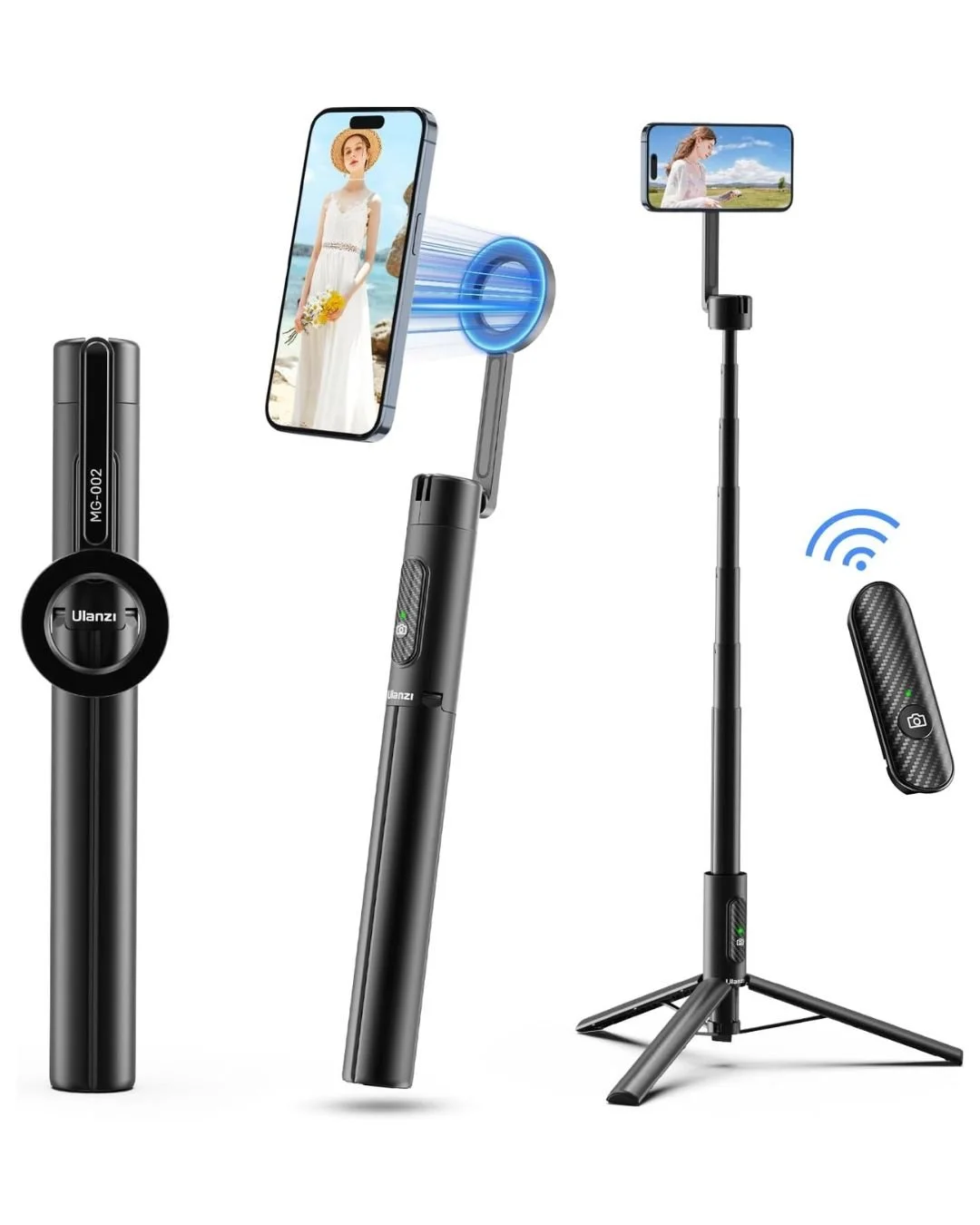
magsafe compact tripod
Small enough to carry around in your bag but tall enough to film pieces to camera easily. The double-sided magnetic design makes it easy to snap your phone or accessories into place.
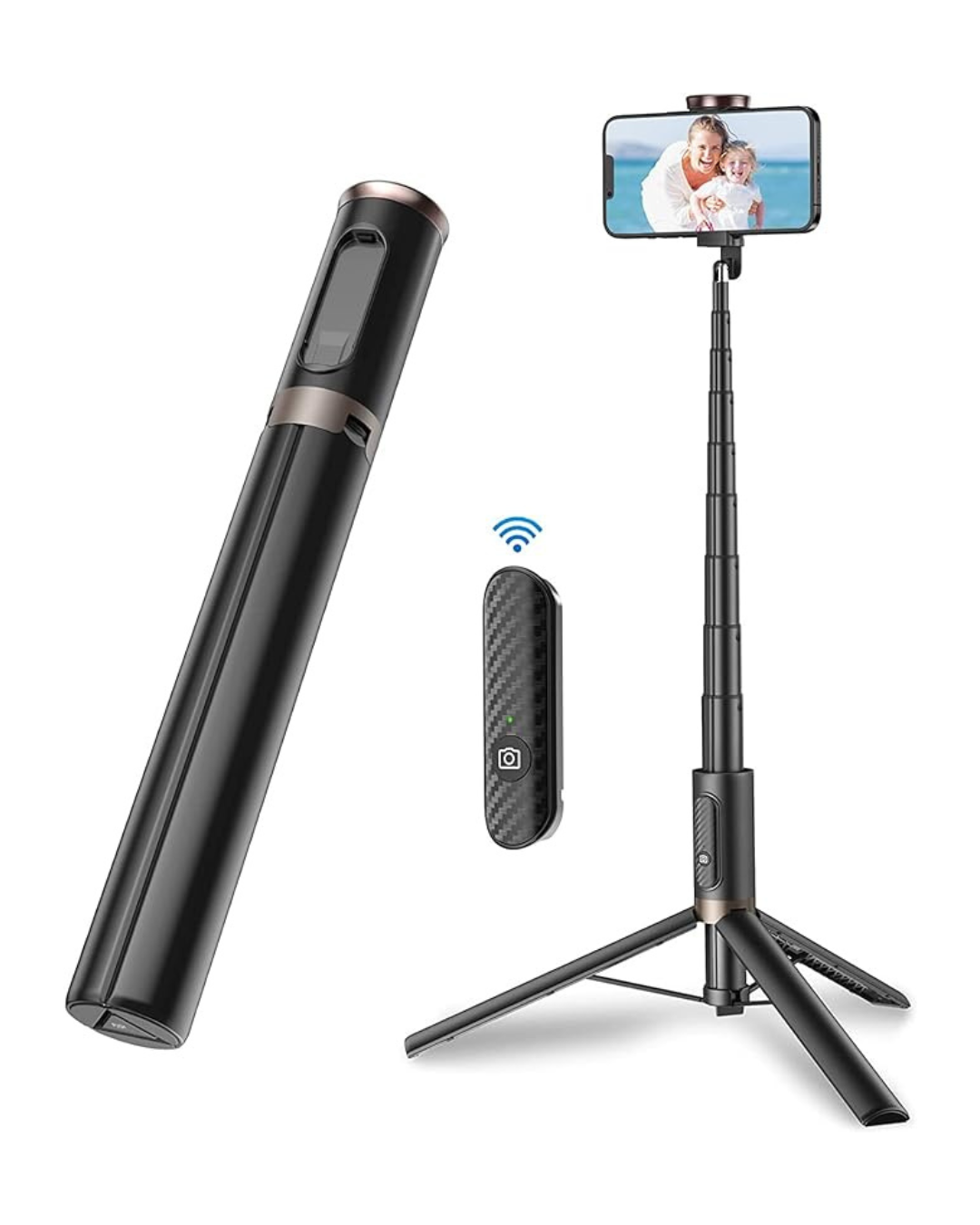
compact phone tripod
Another compact but handy tripod. This one is compatible with all phones and features a bluetooth remote to start or stop recording.
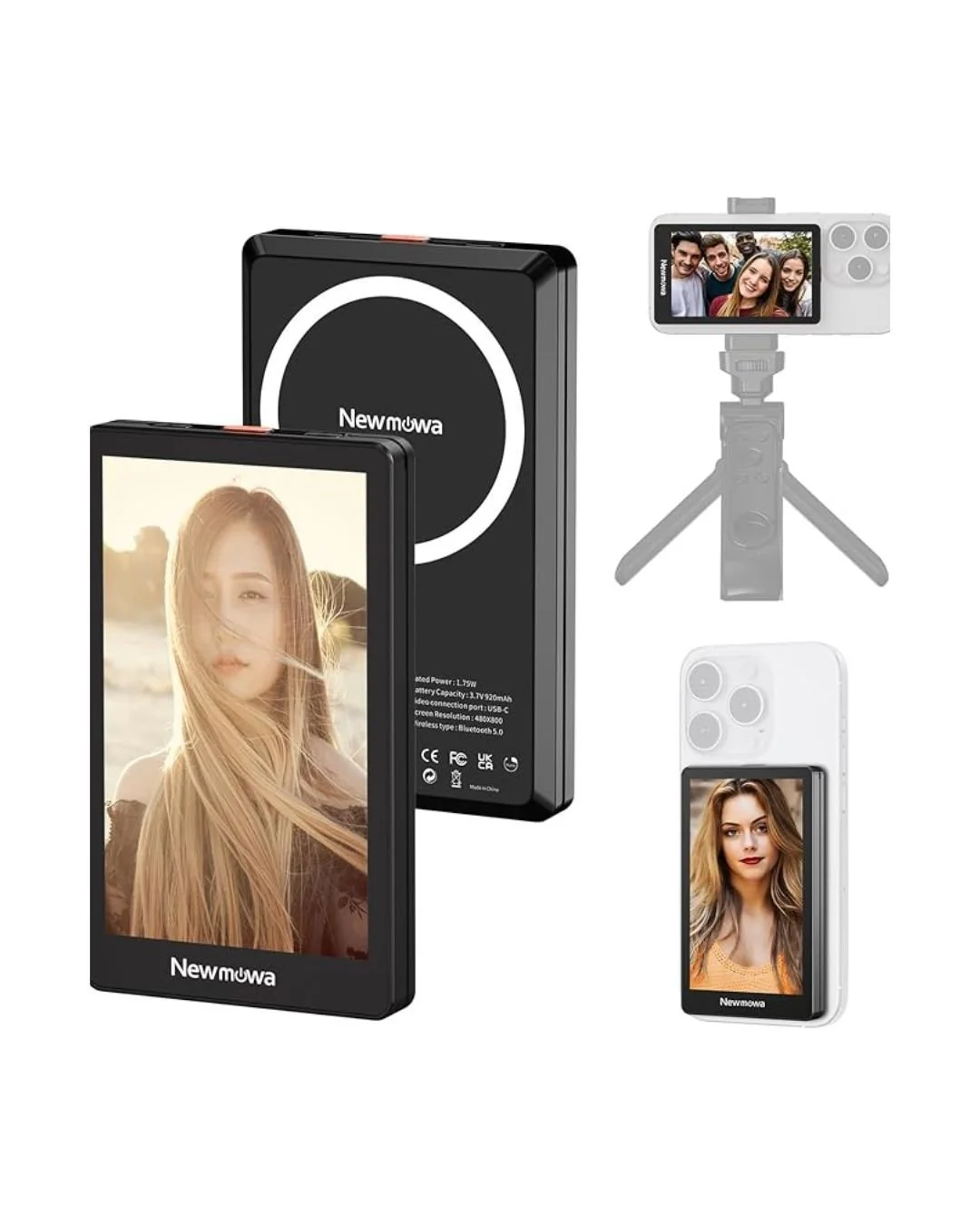
magsafe selfie monitor
This little monitor makes filming solo easy. It mirrors your screen so you can check the shot you set up, position yourself correctly or even use it as a teleprompter while you’re filming outside.
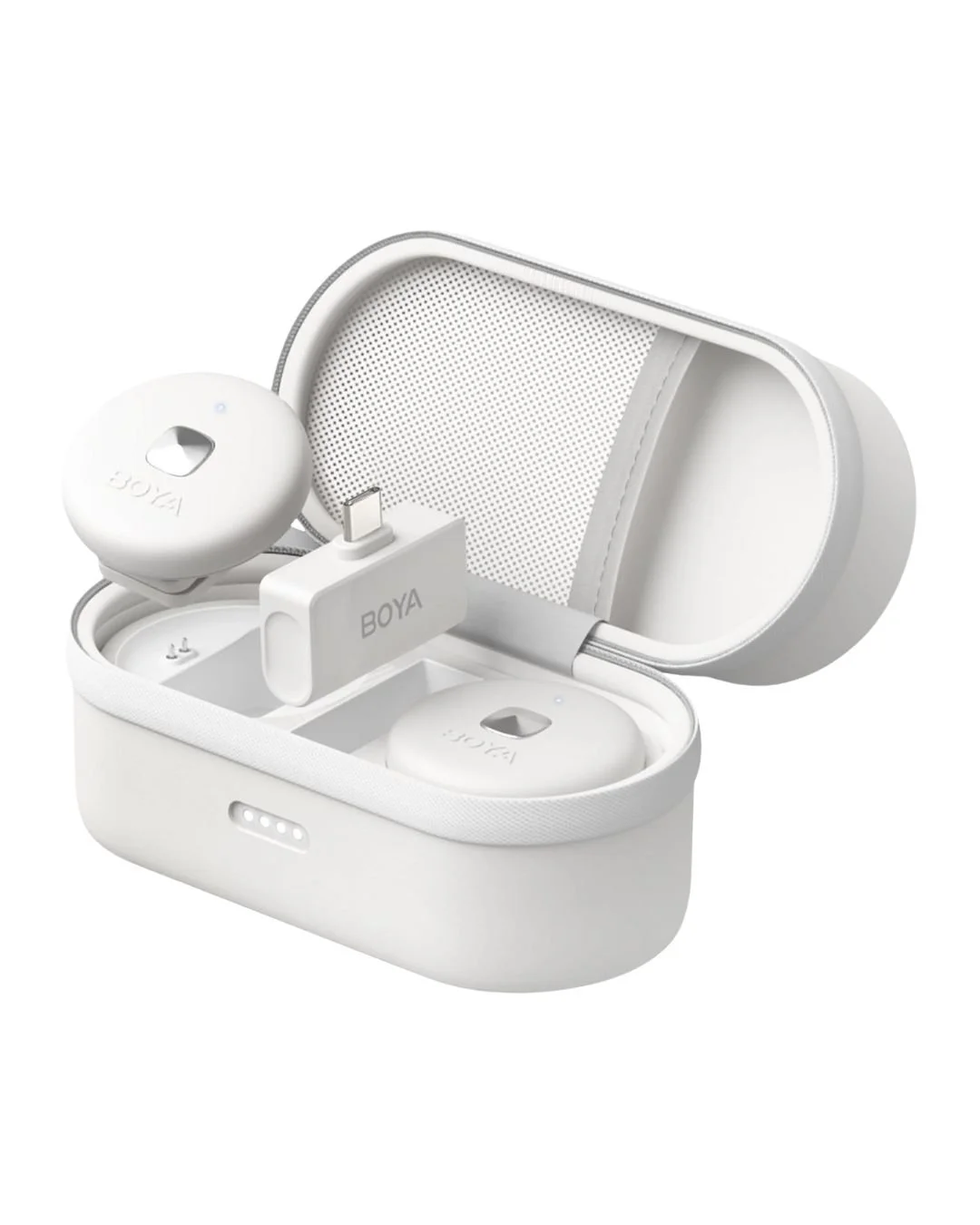
magnetic lapel microphone
Nowhere to clip on a mic? No problem with this magnetic lapel mic. Comes with a handy charging case. Available in white or black, usb-c or lightning connector options for different phones.
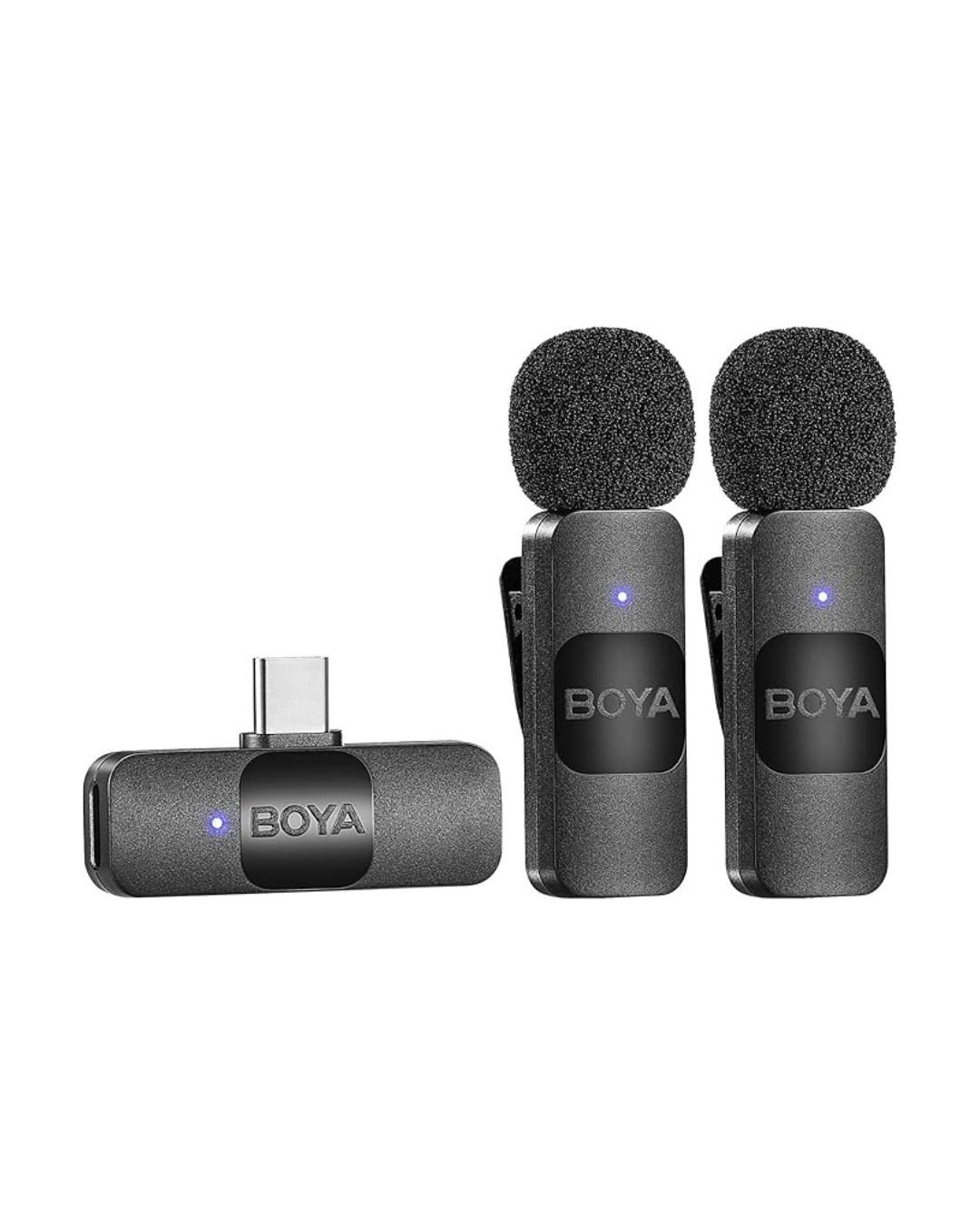
clip on microphone set
Plug and play microphone system that is very easy to use. Available usb-c or lightning connector options.
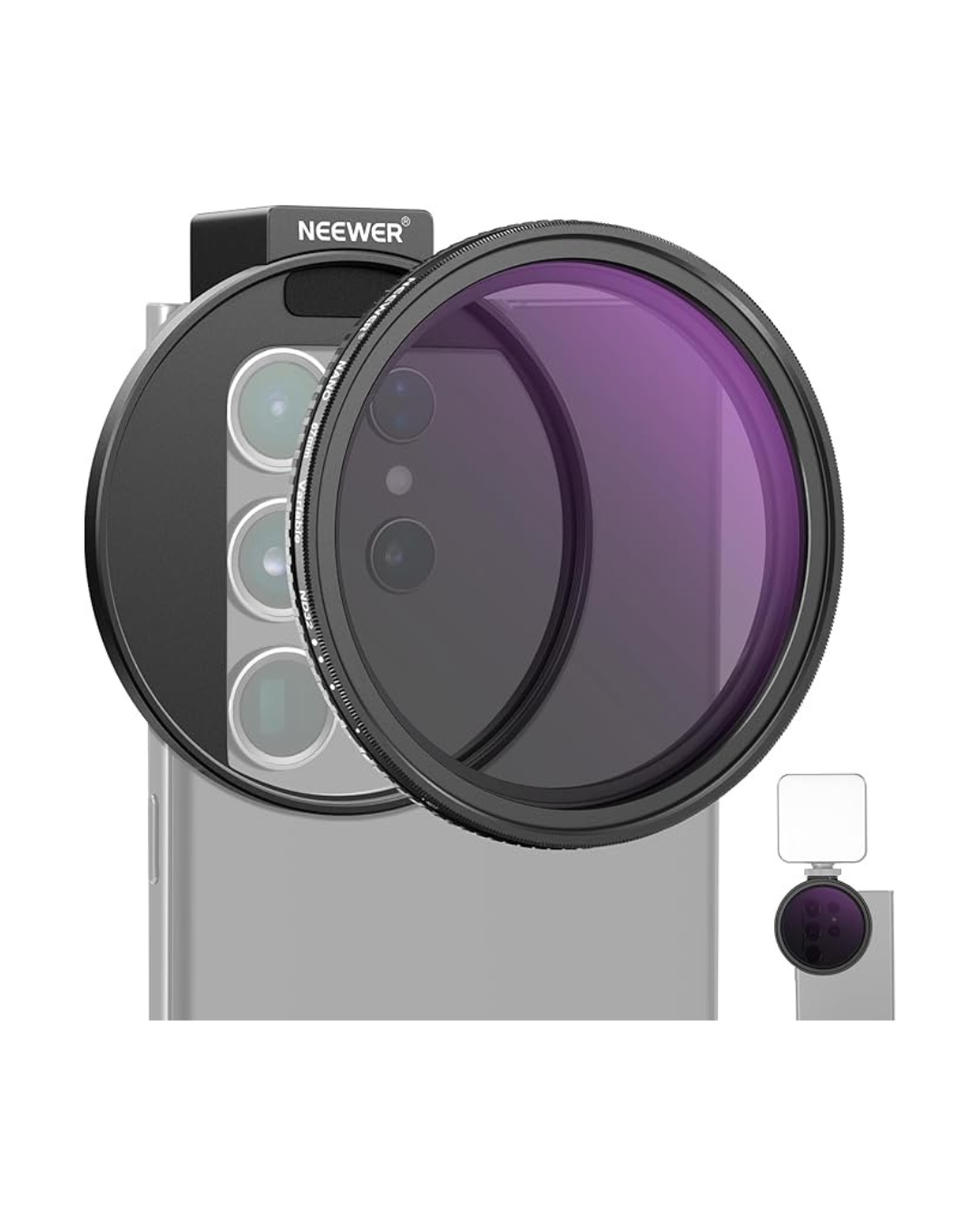
phone lens filter kit
Cut out the glare when shooting in bright daylight with this phone filter kit. Can be used with iPhone 16 and older models.
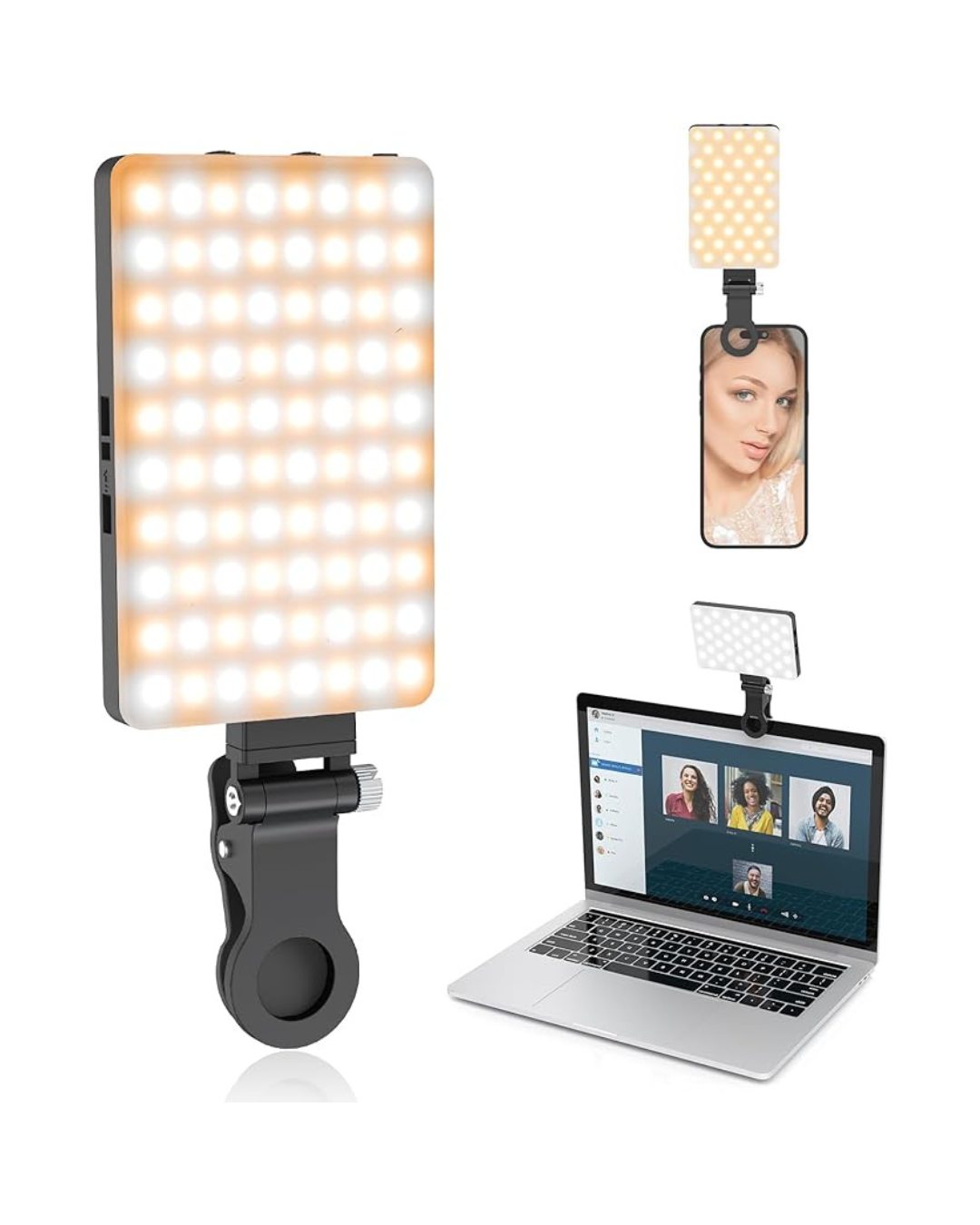
clip on light
Handy light to brighten up shots when natural light isn’t available. Can be clipped onto your phone, a tripod or nearby objects to add light.
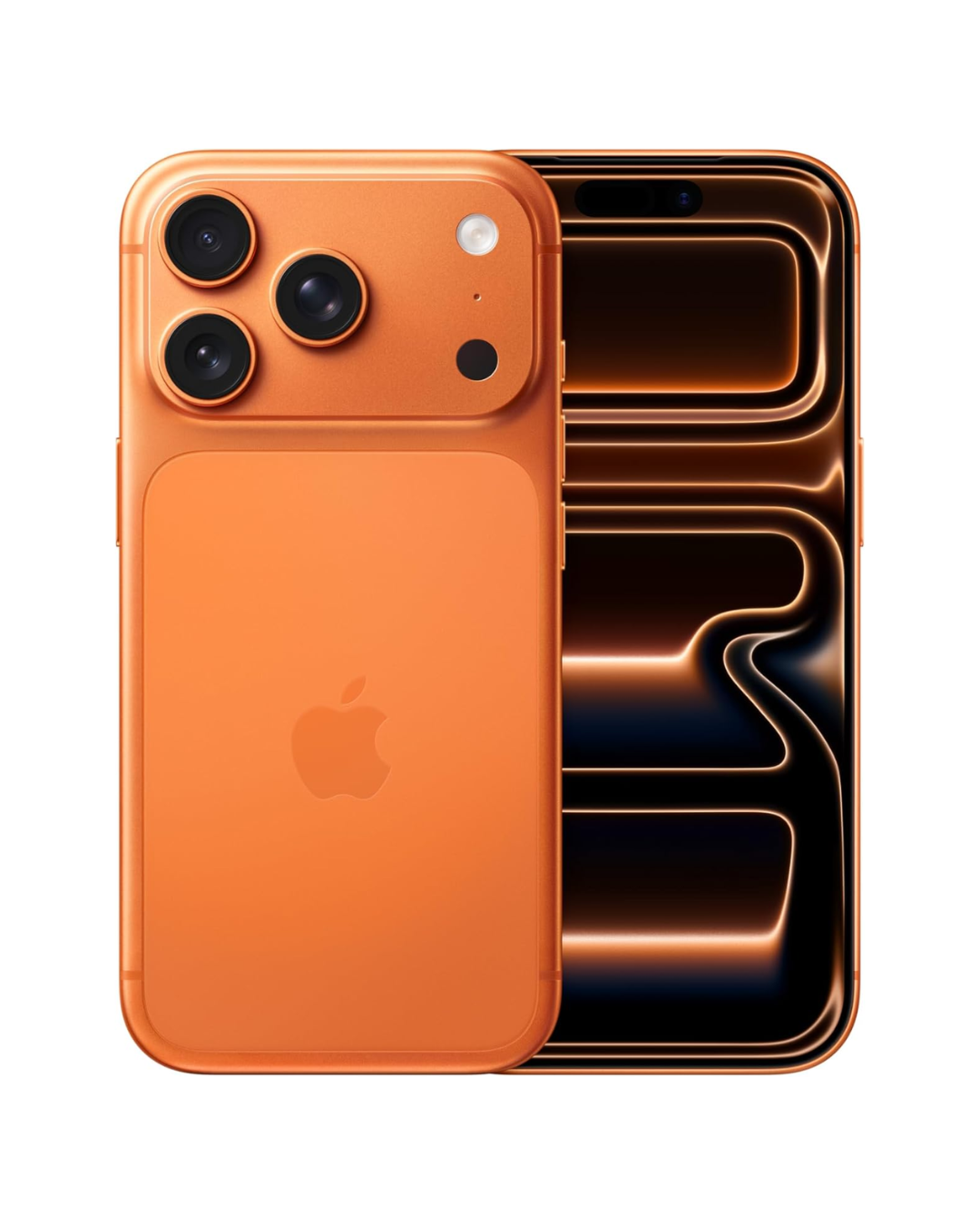
iphone 17 pro
It’s not just the blue and orange colour ways - the cameras really are next level on this iPhone. Worth the investment.
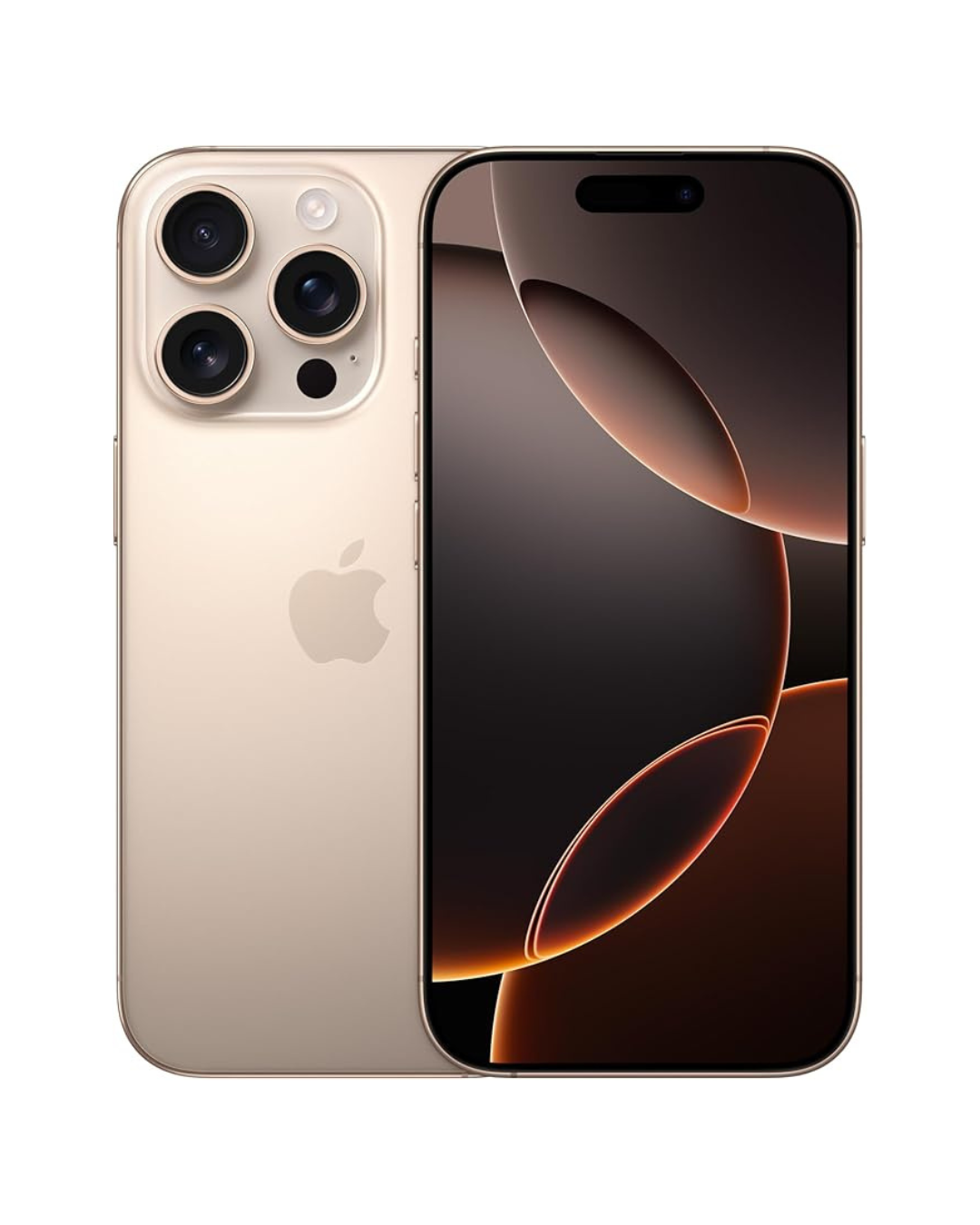
iphone 16 pro
Still a good option for filming - although it lacks some of the benefits of the newer model.
desk set-up.
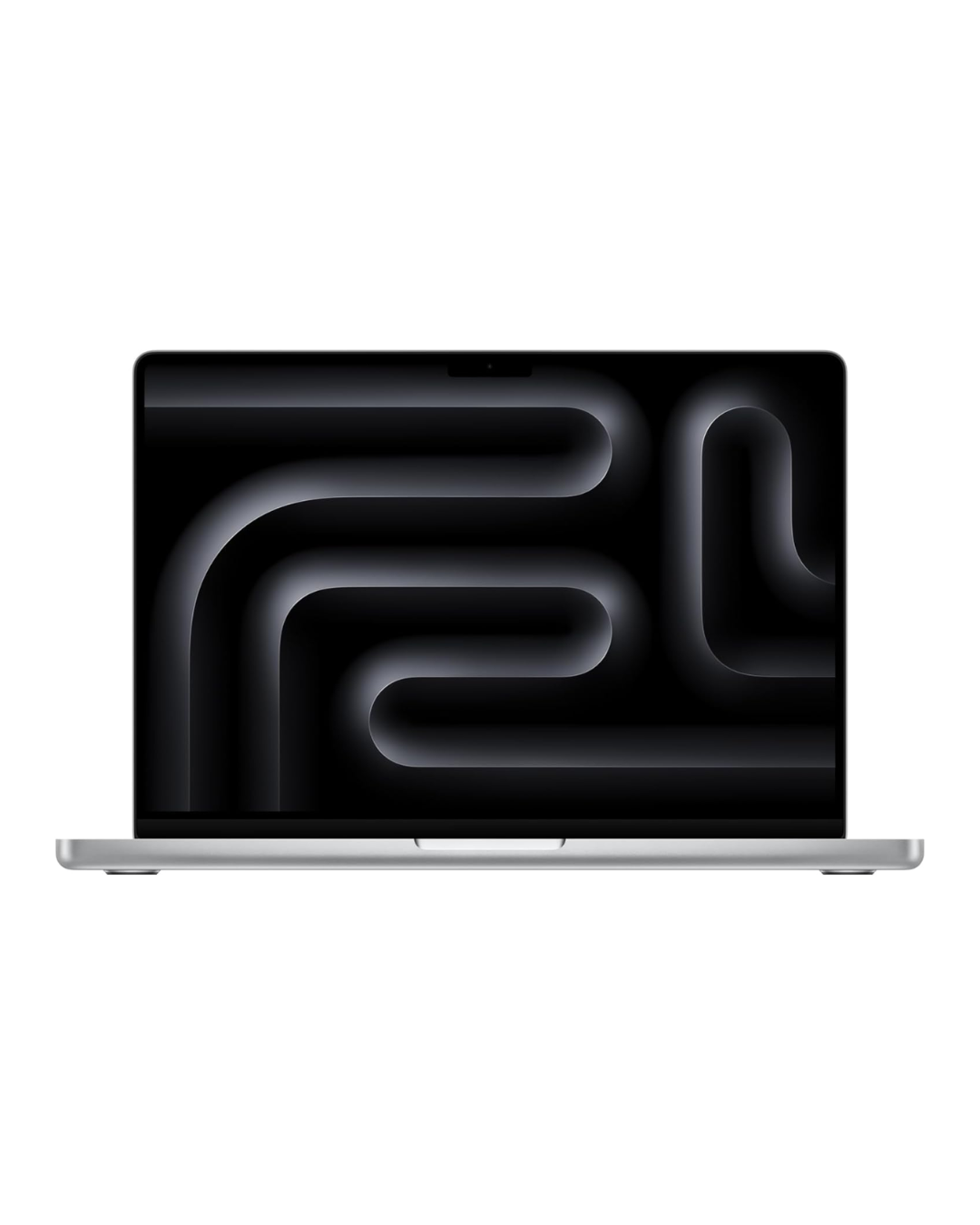
macbook pro
I prefer editing my content on a desktop. Apple’s Airdrop options and ease in handling video and audio files makes it an easy choice.
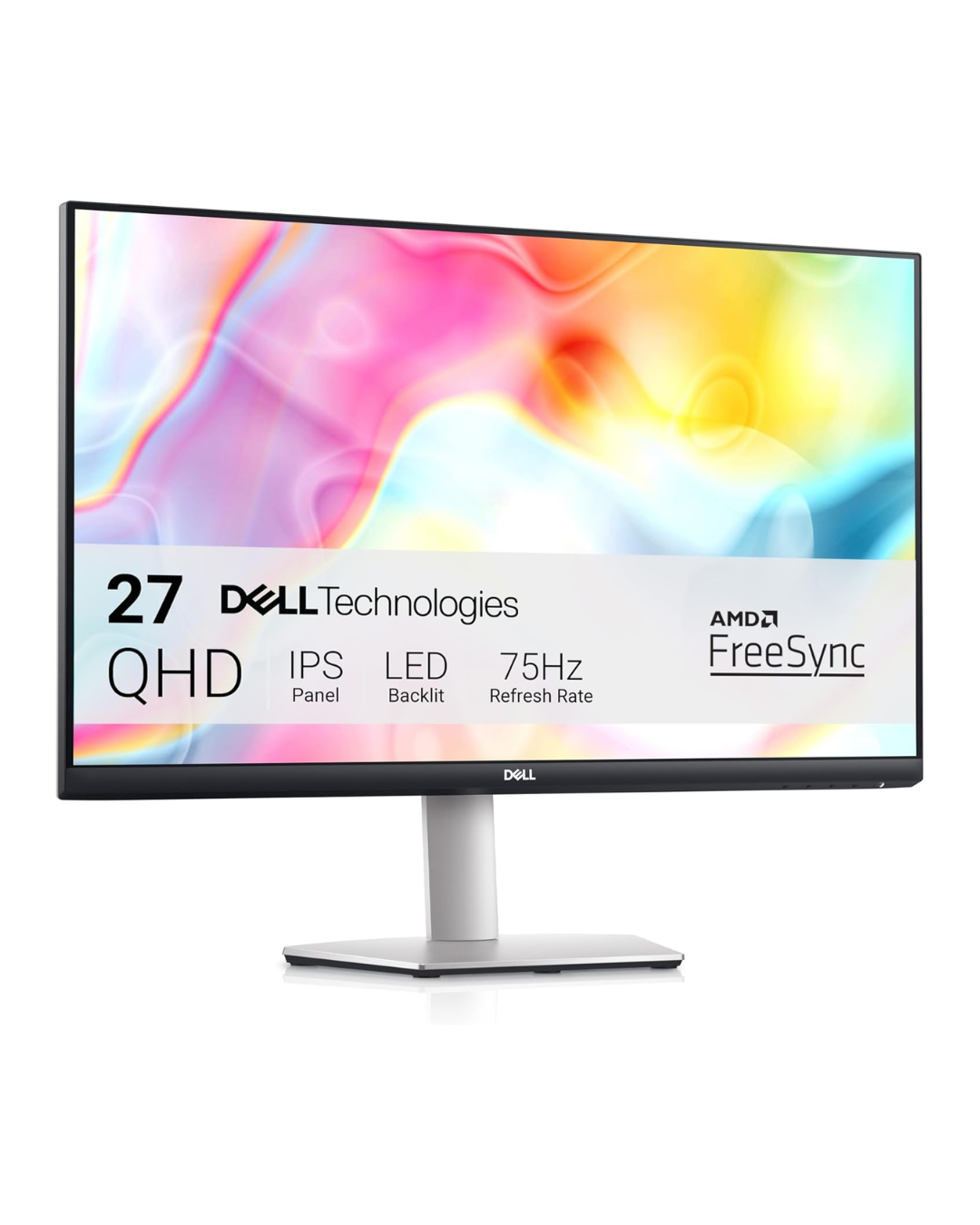
usb-c monitor
The picture on this monitor is crisp! It also charges my macbook and has no noticeable lag when video editing.
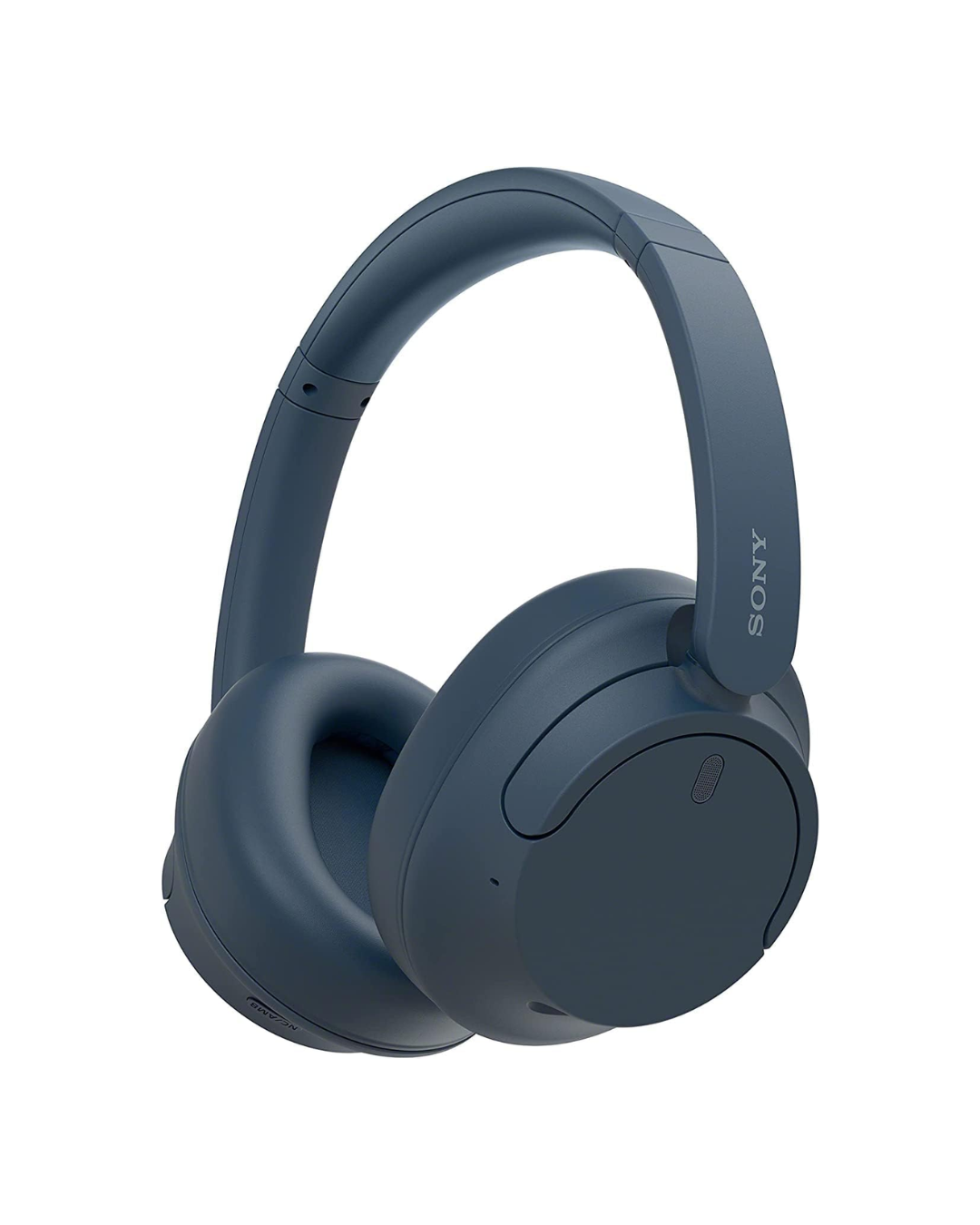
noise cancelling headphones
Make editing your audio easier with a good set of wireless headphones. These are comfy - even when wearing glasses.
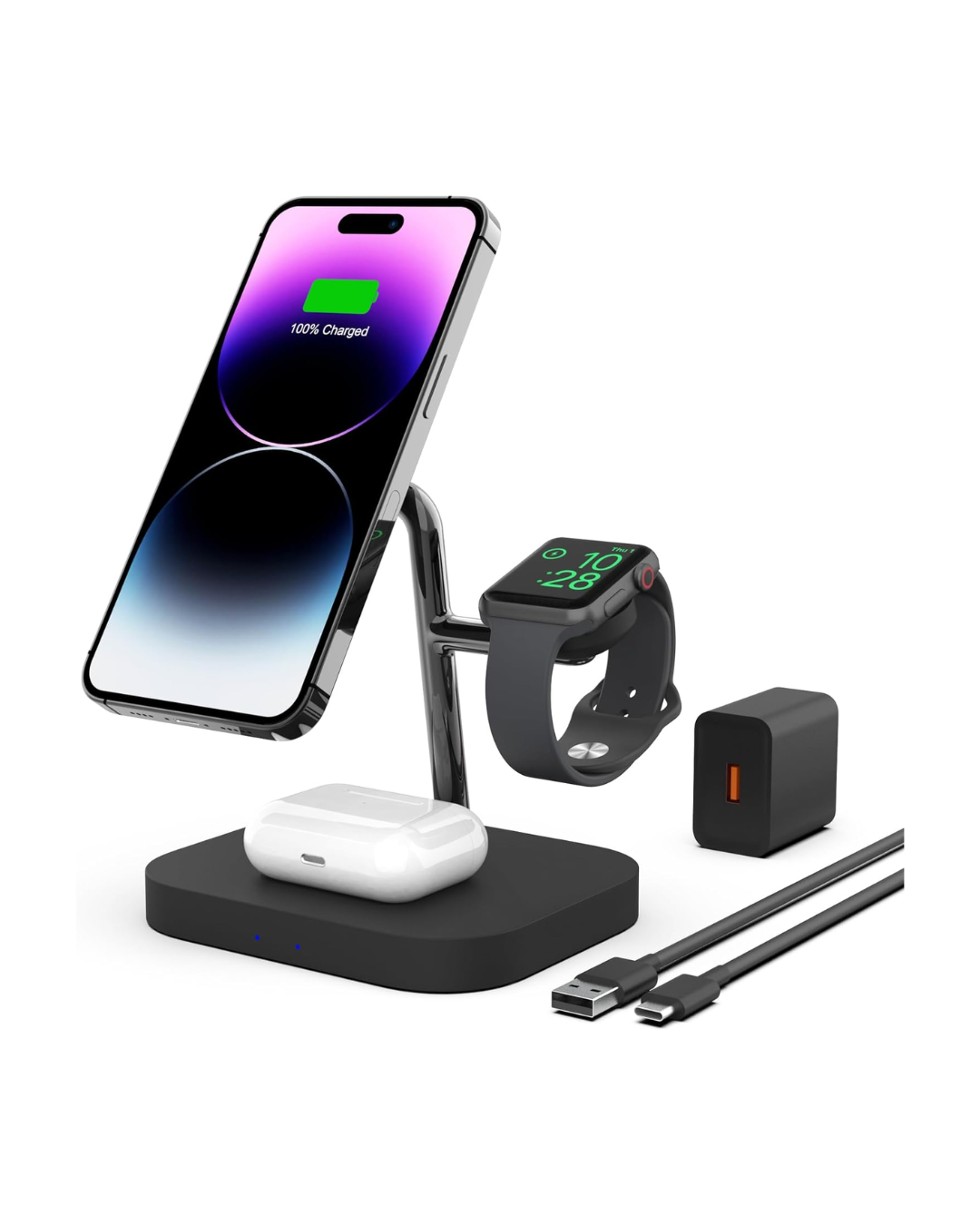
3 in 1 charger
Keep your phone, airpods and watch charged with this handy three in one charger.
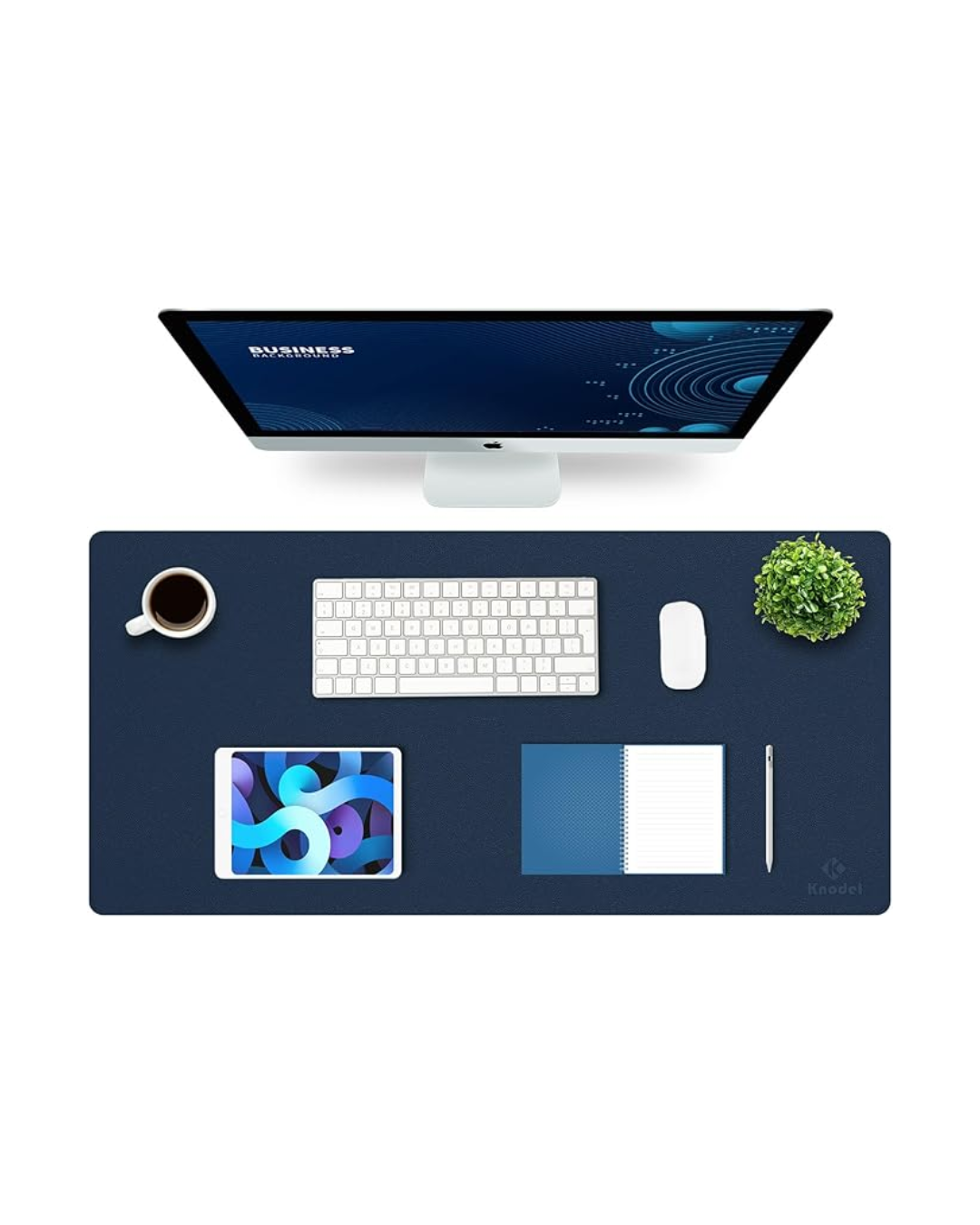
desk mat
Enjoy skip free scrolling when editing with this smooth desk mat. Comes in various colours.
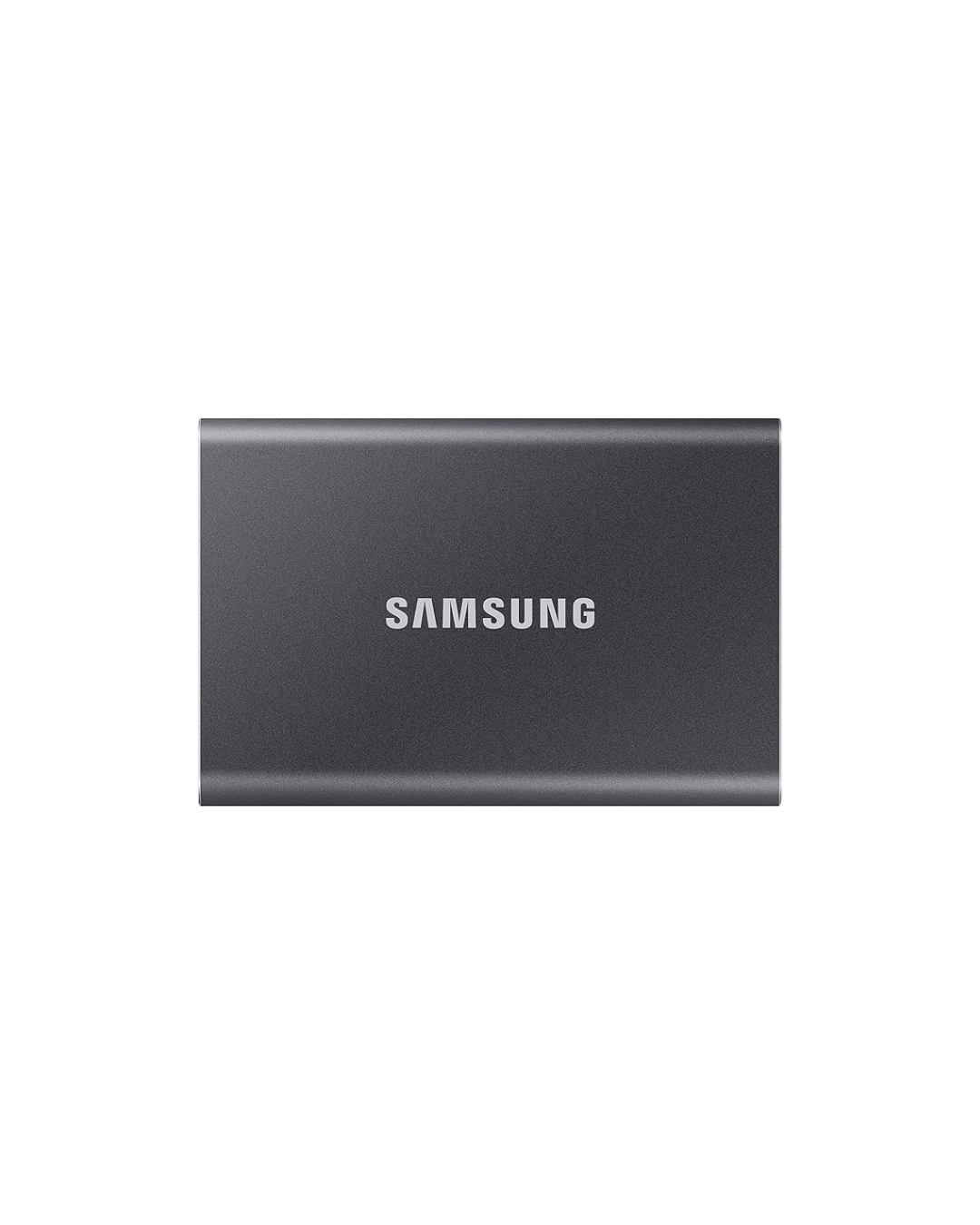
hard drives
All the videos and content creation files add up quickly. Keep your best footage safe and save on cloud space by backing up to a hard drive.
on the go.
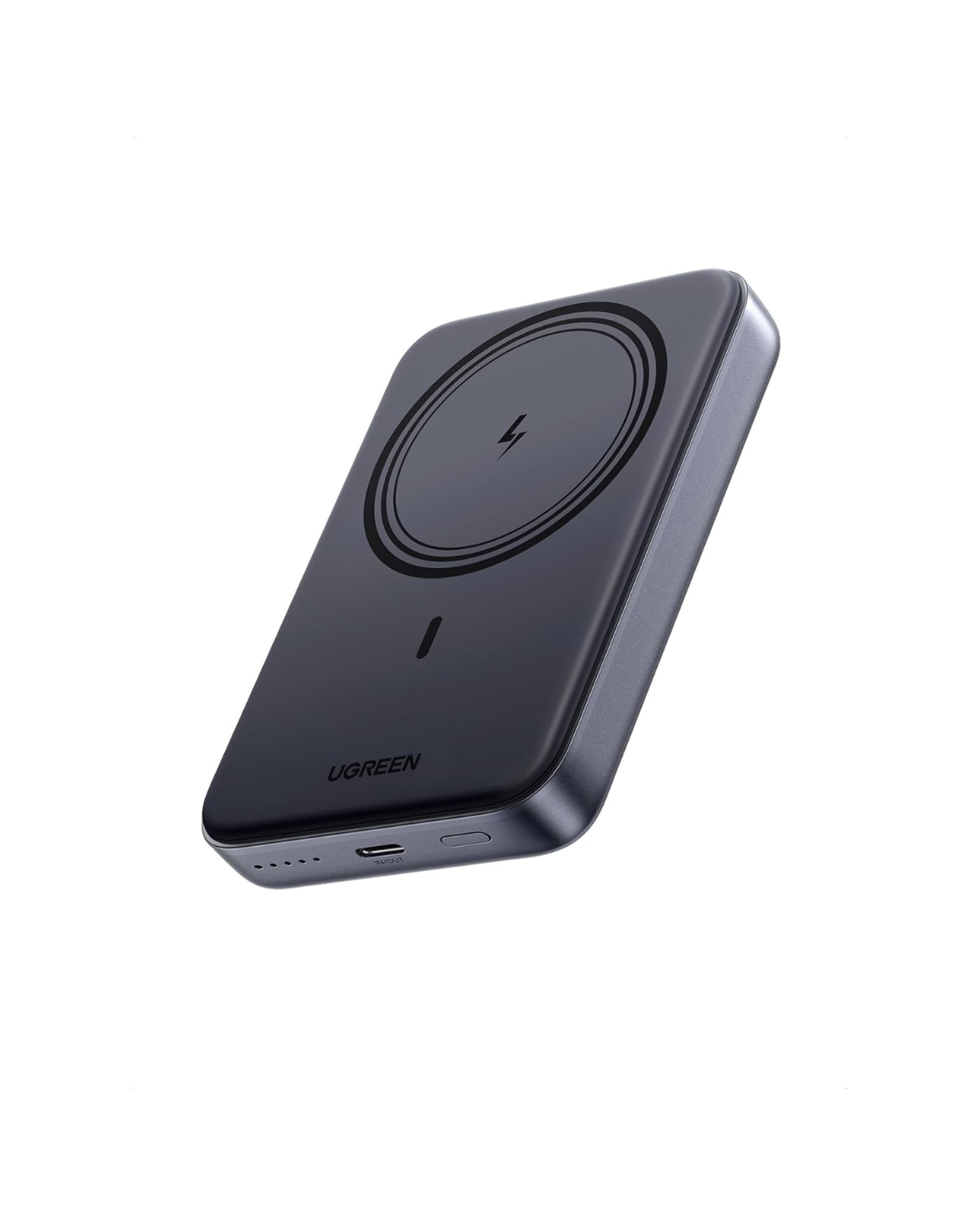
portable charger
For fast charging on the go, this power bank can charge two devices simultaneously.
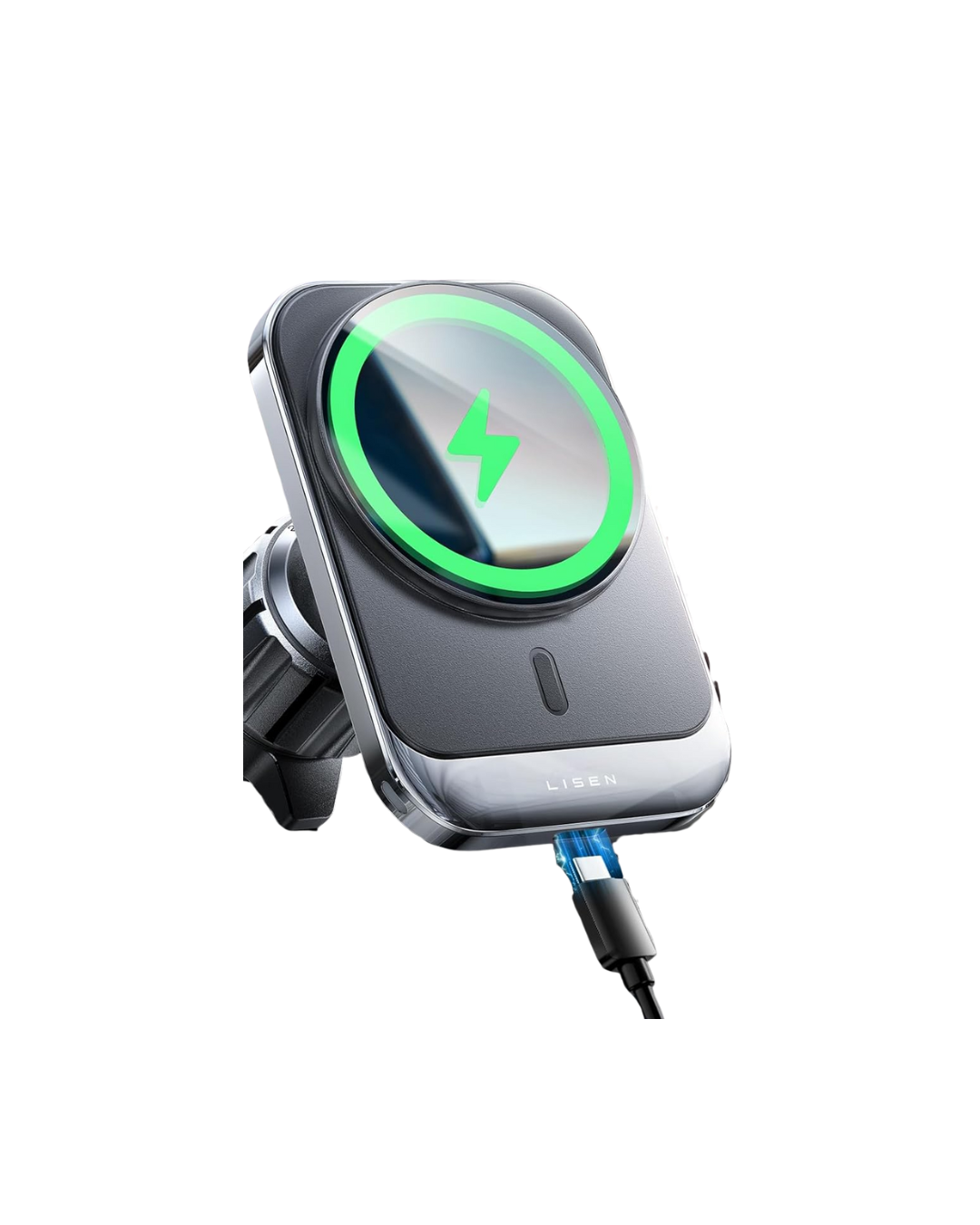
hands free charging
Stay safe and powered up while driving. On a big shoot day this car charger has been an absolute life saver.
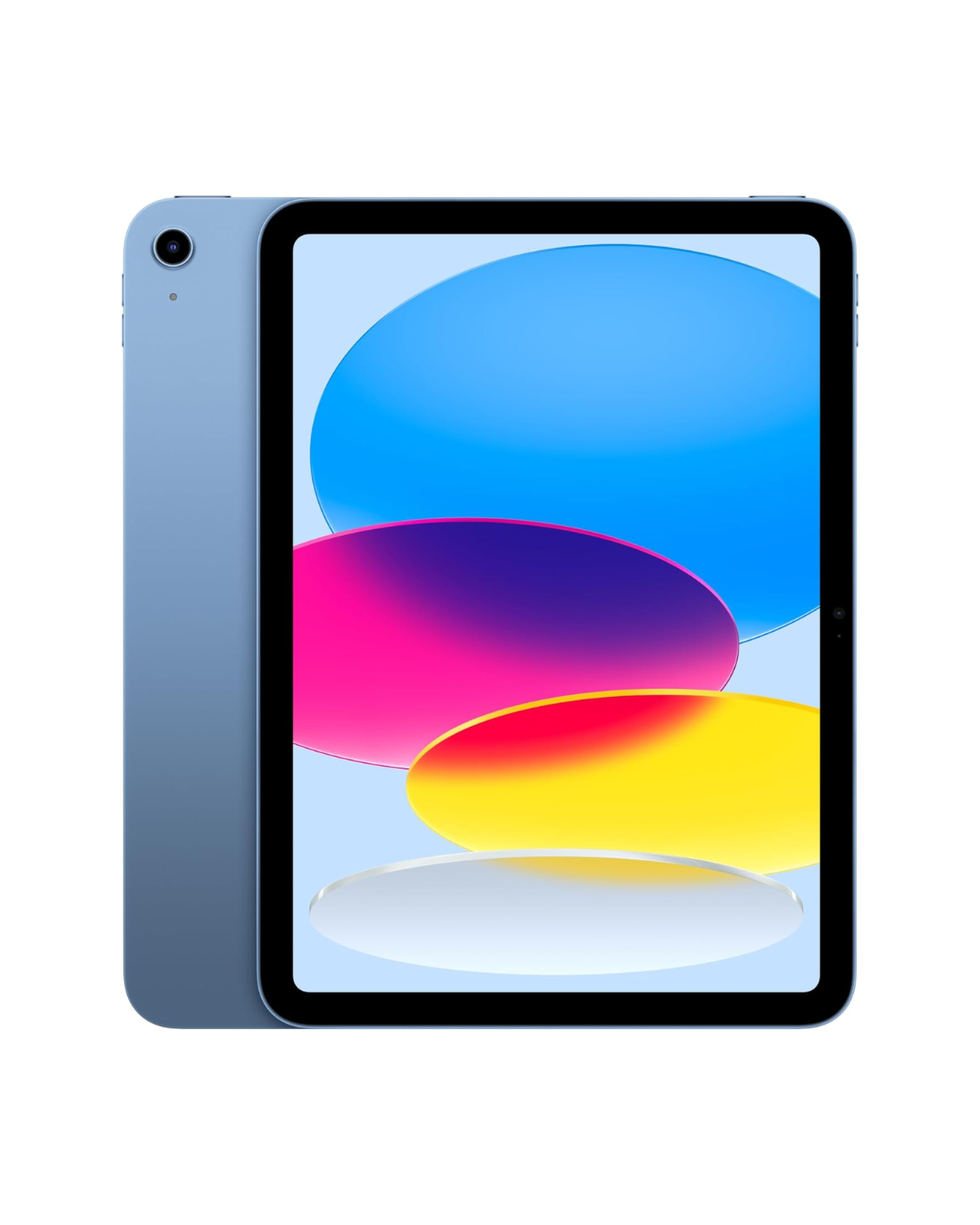
ipad mini
Small enough to carry around, large enough to make editing on the go just that little bit easier. Don’t be afraid to grab a larger (and cheaper) ipad if it suits your eyesight.
software + apps.

capcut - pro
easy to use, yet quite powerful editing platform for social media videos. It is owned by Bytedance - the Chinese company behind TikTok and therefore is banned on some systems.
edits
Phone (or ipad) only editing platform by Instagram. Lots of free features and Instagram linked tools for planning content. Would be perfect if it was available on a desktop.
canva - pro
Powerful design software for creating graphics, cover images and even videos.
Lots of great resources included in the pro account.

buffer
Easily schedule content across multiple platforms and respond to comments from a single dashboard.
notion
A super powerful and customisable system to organise your tasks, projects and life. Not for someone who prefers a system made for them.
squarespace
Easy to edit and update websites, with full commerce and marketing features to establish a strong online profile. Talk to me before you start a website for access to exclusive discounts.

manychat
Make it easier for your audience to engage with you with automated responses and links on social media.

chatgpt
AI has a role to play in content creation - but make it do the hard work, not the fun stuff.