the reels are alive with the sound of music

Scrolling socials lately, I’ve noticed the Reels are well and truly alive with the sound of music - and not always in a Julie Andrews way.
It’s true that sound can really make or break a video. The right song or audio can be a hook that grabs attention and turns otherwise average footage into a concept that works.
So this week, we’re diving into how to make your content sing.
doh! oh dear… it’s singing politicians.
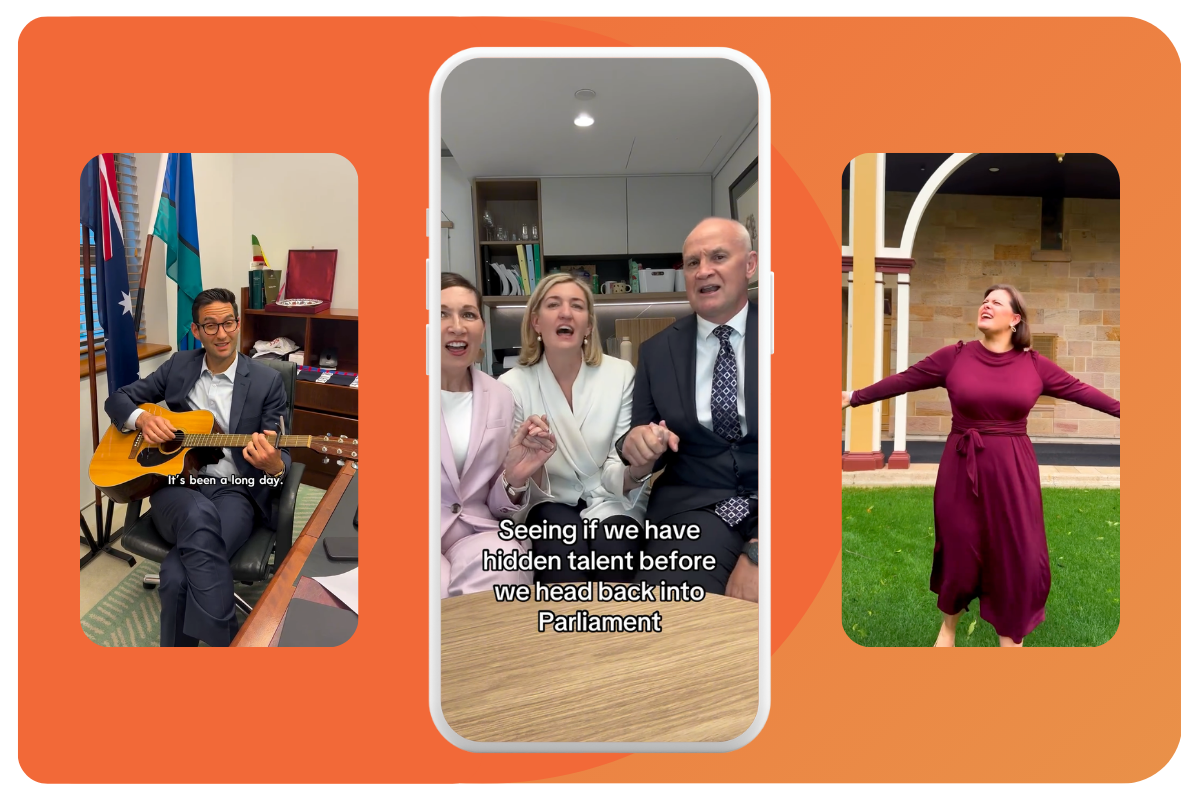
If politics is show business for ugly people, some representatives have been putting themselves forward as a triple threat.
From spreading some festive cheer with a carol, lip-syncing along to some trending audio or to attempting to uncover some hidden talent these posts certainly stop the scroll - as effectively as they dial up the cringe factor.
Why it works:
No-one expects politicians to sing - so when you do, people stop to watch.
People like seeing that you don’t take yourself too seriously to share some questionable karaoke, or that you’re a great party guest who’ll sing some carols with the seniors.
It’s attention-seeking. If you’re building your brand or your audience this kind of stunt helps you get seen.
How to take a sad song and make it better:
No musical talent? Try and bait and switch like Josh Burns.
Don’t stop at the song. Use this trend to grab attention, and then segue into a meaningful message for your audience.
Don’t take your self too seriously. This shouldn’t look like an audition tape for Australian Idol.
trending audio: pick the right tune
Probably the hardest part of my job as a content creator is selecting the right audio for the content.
When I’m choosing a song, I’m thinking about:
Does it create the right vibe or emotion for the topic?
Are the lyrics inappropriate or distracting?
Does the timing work?
Is the track already linked to a trend or pop-culture moment?
Is the artist problematic?
Is it trending?
Has it already reached oversaturation point?
So how do I make it easier on myself? Here’s some tips:
Save as you scroll.
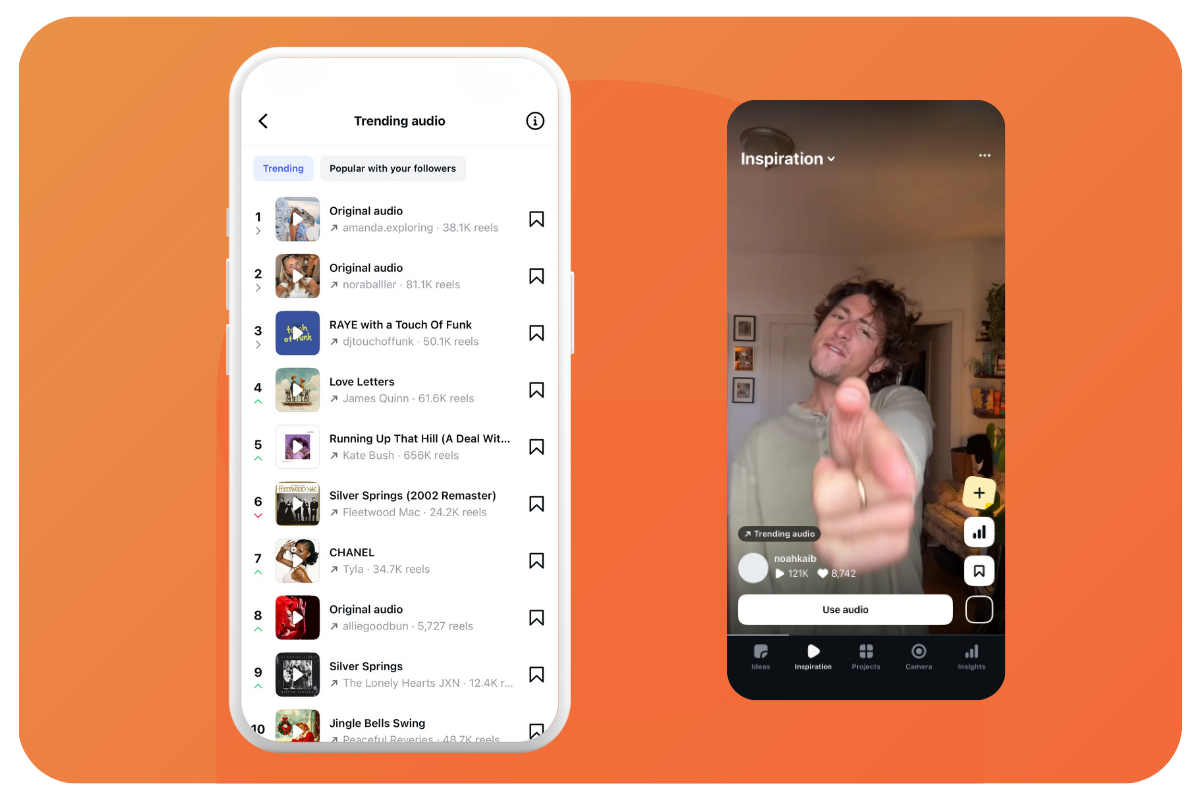
If you hear a sound you like or could use later in Instagram, tap the little square icon in the bottom right corner and save it. If you use Edits to edit your content, your saved audio will be there waiting for you.Check the trending audio list.
Browse through the top 50 tracks that have seen a sharp rise in reels usage over the past three days for inspiration.To find this list, go to Settings > Creator Tools > Trending Audio.
Search for sounds.
In Edits or Capcut you can search for audio using keywords. Sometimes I'll search by the vibe I want (upbeat, inspirational, calm etc).
Otherwise I’ll use the topic as a guide (Christmas, summer, roads, moving)
edit to the beat
Want to elevate your content? Edit to the beat.
Cutting your vision to work with the music is an easy way to make your content more engaging. This is easier than you think thanks to a Beat Sync tool that is built into these editing platforms:
In Edits:
Select your audio track, and scroll across to the Beats option. You can choose between more and less to automatically generate the beats from the song.
In CapCut on a computer:
Again, select your audio track and right click on it. Select the Auto Mark Beats option and choose between Beats 1 or Beats 2 for the frequency of beat markers.
In Canva:
Right click on your audio track and select Beat Sync. You can choose to show the beat markers, or automatically sync multiple images or videos to the beat.
That’s it for now, but as always, if you try one of these tips or trends or see something cool, send it to me at @katewilson.au