
the headline tear.
Sharing a news headline is a great way to draw attention to a positive news article about you or your cause, or back up your position on an issue.
This content blueprint uses a newspaper tear style headline, can feature the publication masthead and print date, and can be turned into a reel, a story, or a post.
You should use this content blueprint when you have a strong headline you want to share with your audience.
what you need:
A strong headline
The publication name
The print date
A related background video or image.
Music to go with the reel
how to create the reel:
Open the Canva template.
Update the Headline and the Publication date on the template.
If you’re sharing a headline from another publication, replace the Courier Mail logo with the correct logo. (Tip: You can find other logos in the still image version of this template.)
Replace the background video with another relevant video.
If you have your own footage that is relevant to the story, you can upload it to Canva and use that.
If you are a Canva Pro user, you can browse through the stock videos under the elements tab, and find a suitable substitute.
Add Music:
You can add music to your clip in Canva. This can be a good option if you want to schedule the reel using Business Manager and you don’t like the music selection available there.
OR
You can add music when you upload the clip via Meta Business Manager. Audio added at this point will replace any other audio you have with the clip.OR
You can use trending audio, or any other suitable music when you upload the reel directly on the Instagram app.

Use a short b-roll clip relevant to the story to add movement and interest to a reel.
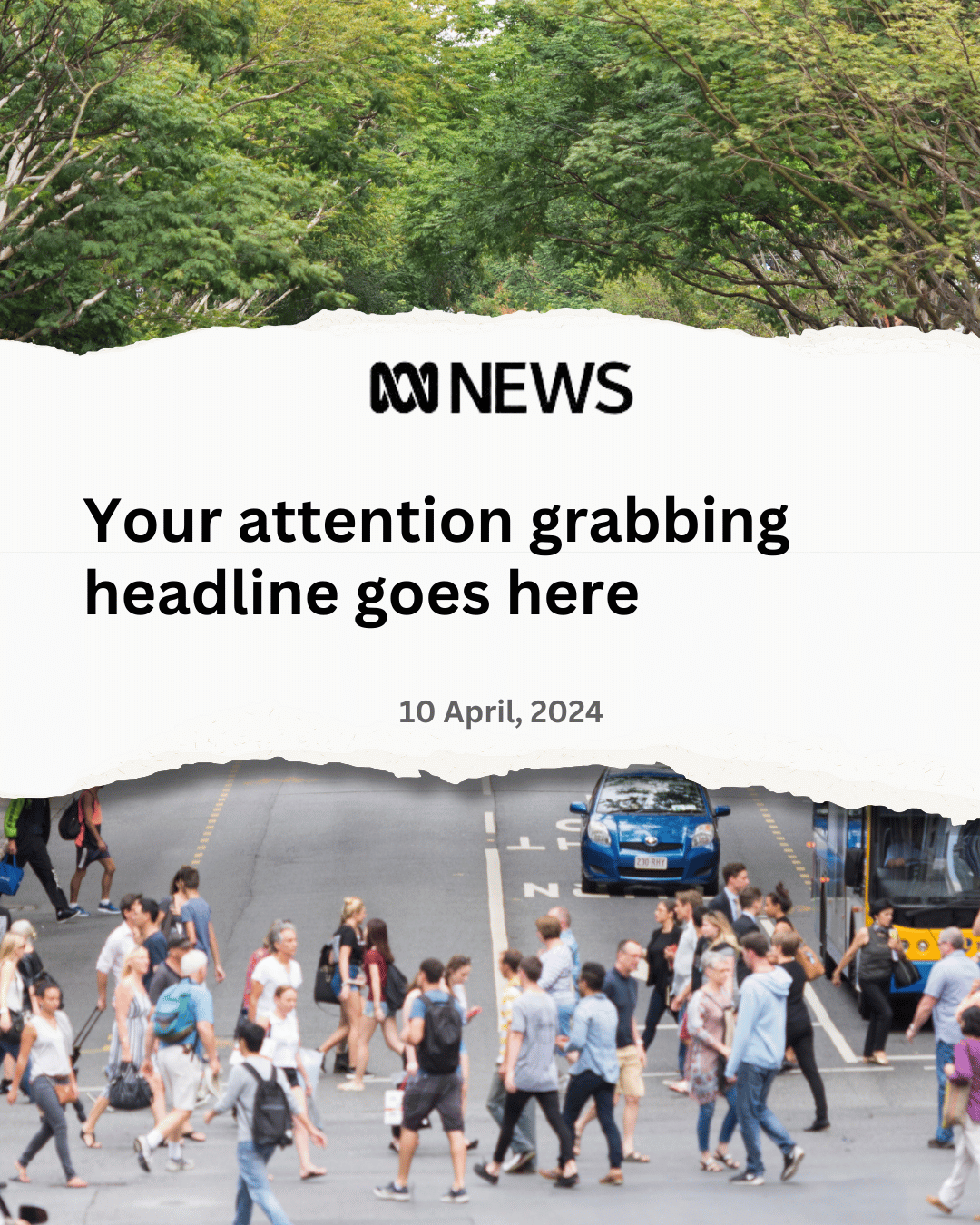
To create an image version, of this content, switch out the b-roll footage for a still photo and magic resize.
Or recreate it using this template.