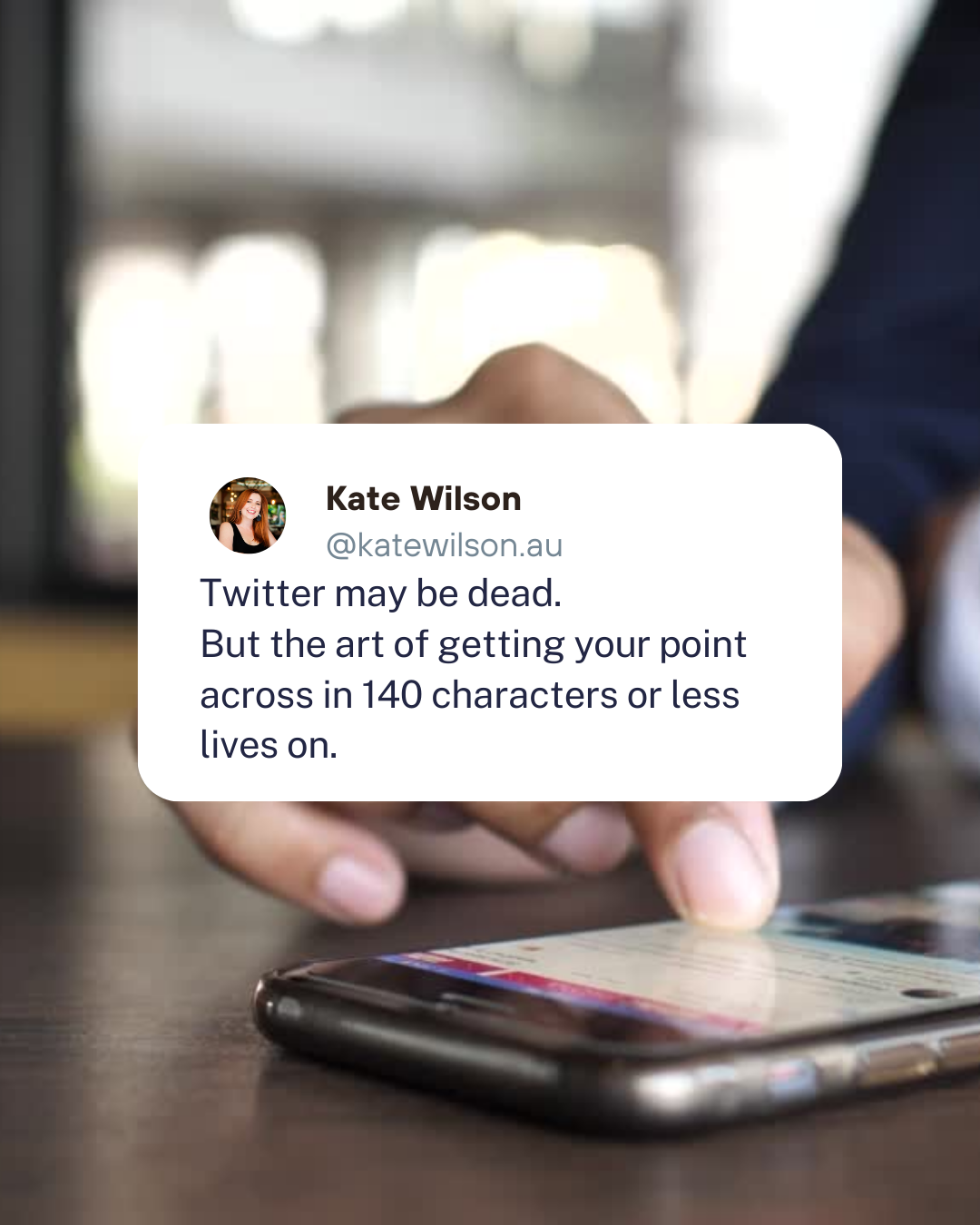
the off-twitter tweet.
Twitter may be dead, but its legacy lives on in the off-twitter tweet.
This post or reel creates a twitter style update to share a short statement, and then puts it on an image or b-roll background to add interest and movement.
This content is great for sharing an announcement or statement. You can always add more details in the caption.
what you need:
Your statement - use old-school twitter as a muse and keep it under 140 characters.
Your headshot - or logo for brands.
A related background video or image.
Music to go with the reel
how to create the reel:
Open the Reel Canva template.
Replace my headshot with your own or a logo.
Now update the name and instagram username.
Update the statement text to your own message. If it is longer message, you may want to play around a little bit with its alignment with the white box.
Replace the background video with a relevant video.
If you have your own footage, you can upload it to Canva to add it as a background.
If you are a Canva Pro user, you can browse through the stock videos under the elements tab, and find a suitable substitute.
Add Music:
You can add music to your clip in Canva. This can be a good option if you want to schedule the reel using Business Manager and you don’t like the music selection available there.
OR
You can add music when you upload the clip via Meta Business Manager. Audio added at this point will replace any other audio you have with the clip.OR
You can use trending audio, or any other suitable music when you upload the reel directly on the Instagram app.
how to create the post:
Canva Pro users can use magic resize to turn the Reel into a post - but if you’re going to use this content more than once, it may be easier to set up your own post template as well as the reel.
Open the Post Canva template.
Replace my headshot with your own or a logo.
Now update the name and instagram username.
Update the statement text to your own message. If it is longer message, you may want to play around a little bit with its alignment with the white box.
Replace the background image with a relevant image.
You can use your own image, or browse through the stock images if you are a Canva Pro user.
Upload your post.
Remember you can add more detail in your caption, or in the comments.
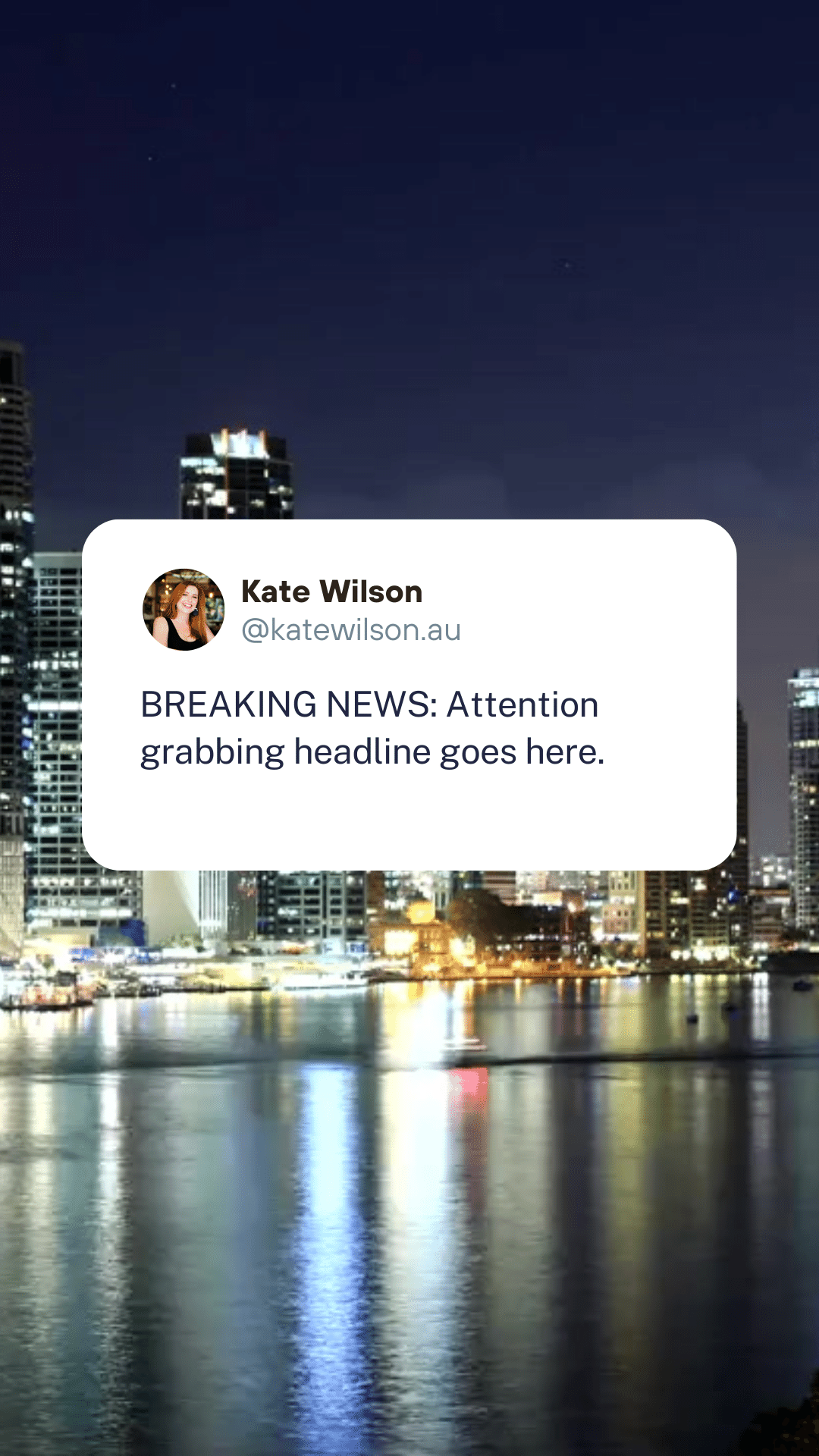
By default, the text in this template is animated to appear as if it was typed. You can turn this off, by clicking on the “typewriter” button in the top menu of the design.